
The S.M.A.R.T. Learning Ecosystem
Thoughtfully Designed • Meaningfully Learned • Future-Ready
Where Every Book Becomes an Interactive Gateway
Smart Scan
Scan QR codes printed directly in textbook units to access instant interactive resources, animations, and audio narratives.
Multimedia Content
Engaging 2D/3D animated videos, visual concept explanations, audio stories, and experiential interactive simulations.
AI Buddy
An intelligent AI companion assisting young learners with real-time conceptual doubt resolution and personalised guidance.
Revision Plus
Flash cards, printable worksheets, answer support, practice drills, and structured guided revision modules.
Teacher Edge
Test Generator, Lesson Plans, Teacher Answer Manuals, Assessments, and classroom-ready pedagogical teaching resources.
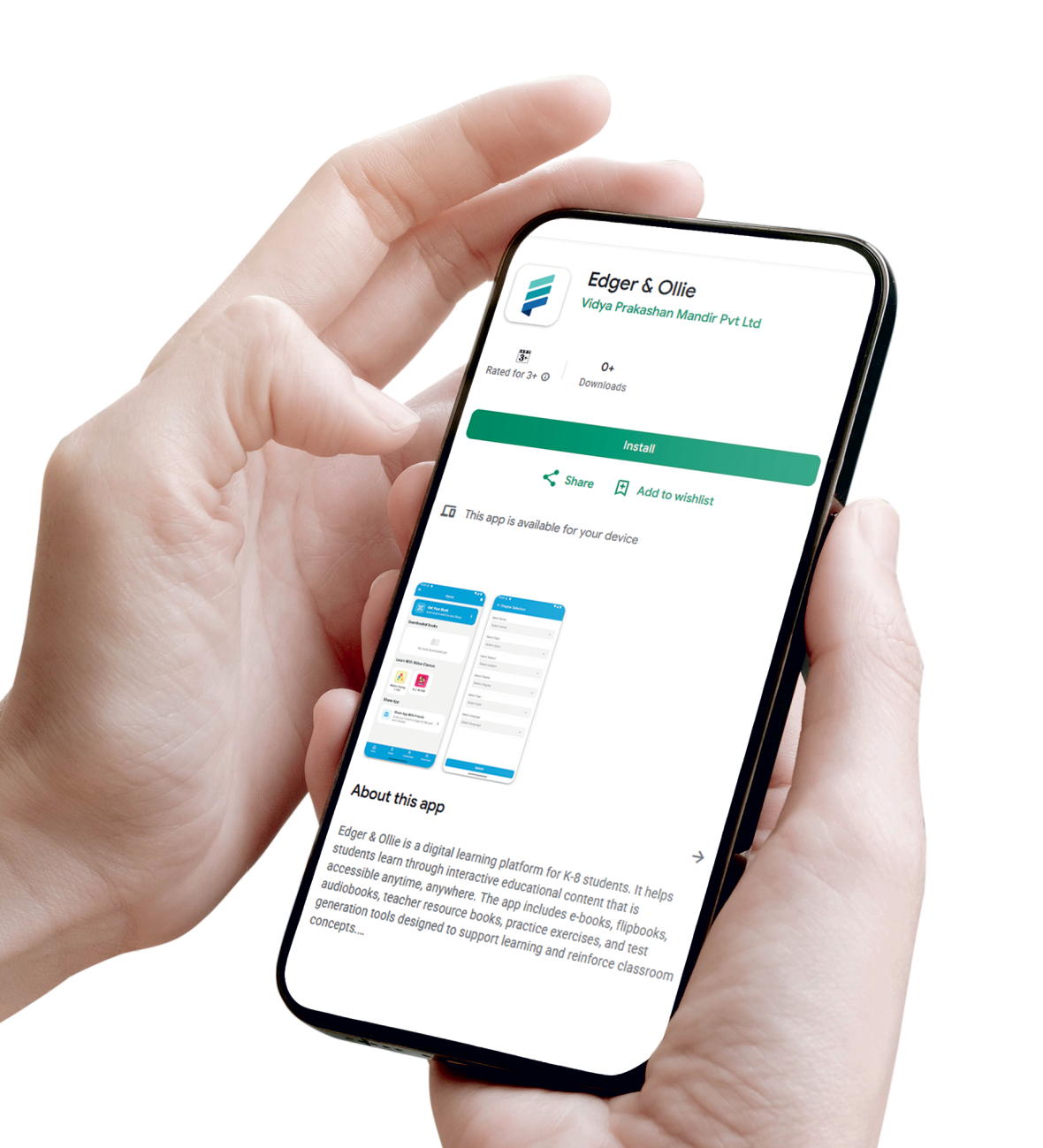
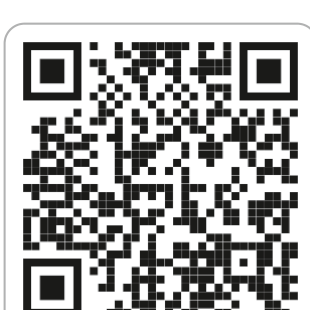
Scan to Download App
Free for students and schools
How to Get Started in 5 Simple Steps
Accessing digital resources with Edgar & Ollie textbooks takes less than a minute.
Download App
Download Edgar & Ollie App from the Google Play Store and install on your phone.
Create Account
Open the Home Page of the App and quickly create your student or educator account.
Scan QR in Book
Tap on the QR Code button in the app and scan the QR Code printed in your book.
Unlock Resources
Instantly unlock interactive multimedia, chapter explanations, and assessments.
Learn & Grow
Learn, practice, test, and grow anytime, anywhere on any mobile device or tablet.